Storyboard before you generate
Plan the shots, fix the subject and decide the edit before you spend time and credits on AI video.
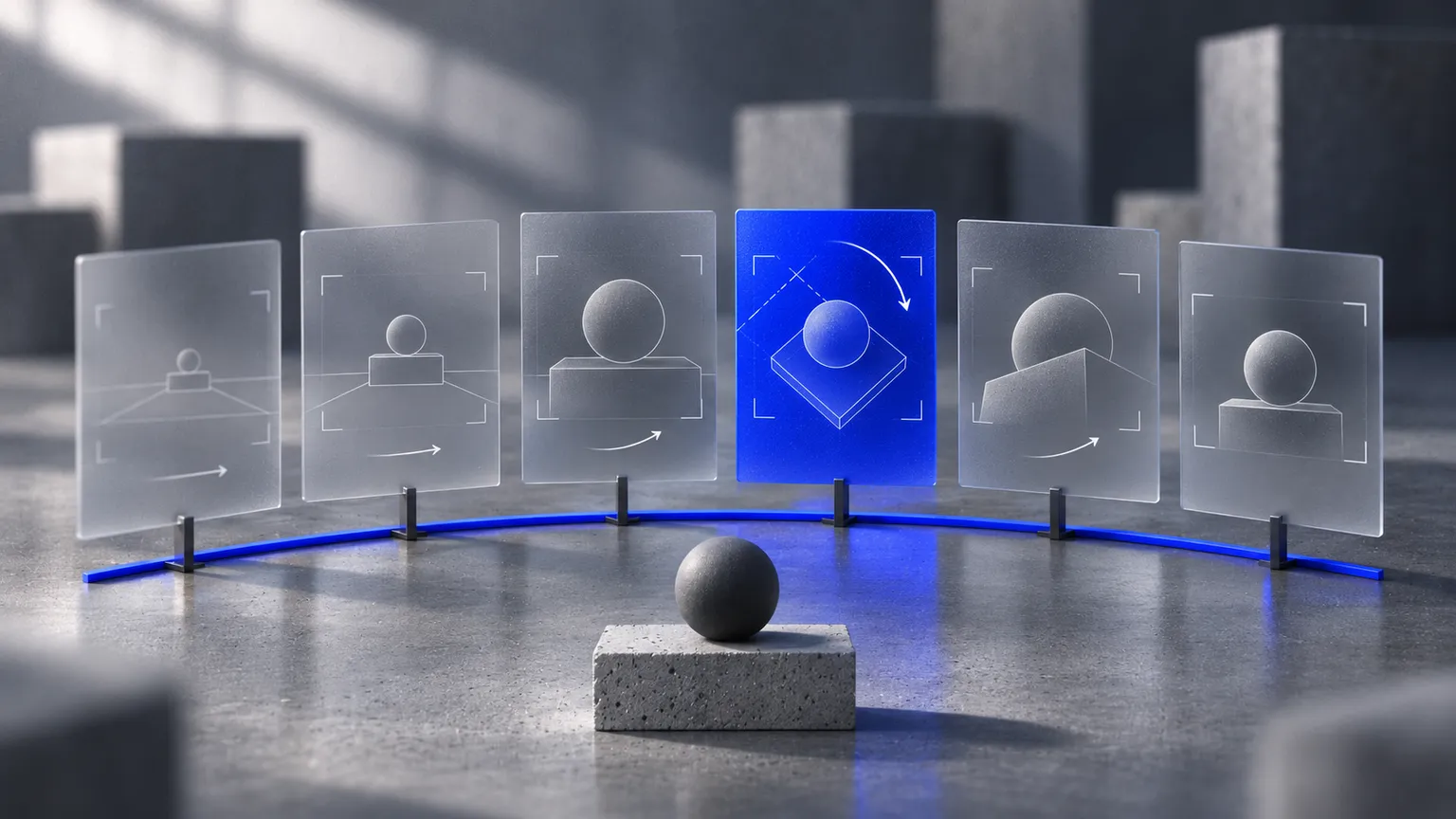
AI video tools make it easy to type a sentence and receive a clip. They make it just as easy to produce forty clips that do not cut together. The subject changes between shots, the light moves, and the one take you like has no neighbour.
A storyboard fixes most of this before any video is generated. It is an old film-making habit, and it matters more with AI, because each generation is a fresh attempt with no memory of the last one unless you supply it.
Start with the edit, not the prompt
Decide what the finished piece is: its length, its format and where it will be shown. A fifteen-second vertical film for social media has room for perhaps five or six shots. Write those shots as a list before describing any of them in detail.
For a fictional example, take a short film for a ceramic pour-over coffee set. The edit might be: an empty counter in morning light; hands placing the dripper; water meeting the grounds in close-up; steam rising; the cup lifted; the product alone with space for a title.
Write one job per shot
Each shot should do one thing. For every row in the list, note four details:
- Subject: what is in frame, and what must stay the same as in other shots.
- Framing: wide, medium or close, and the camera height.
- Movement: one camera move or one action, not both competing.
- Duration: how long the shot holds in the edit, which is usually shorter than the clip you generate.
Prompts that ask for several actions in one clip are where results become unpredictable. Two simple shots usually cut together better than one complicated one.
Lock the look with still frames first
Generate or photograph a still image for each shot before making any video. Stills are quicker to produce and easier to judge. Place them in a row and check them as a set: is it the same dripper, the same counter, the same time of day?
This row of stills is the storyboard. It is also the best input you have. Many current video tools can start a clip from an image, so an approved still becomes the first frame instead of a description the model must interpret again. Check what your chosen tool supports, since features differ and change often.
Keep a reference sheet
Put the things that must not drift on one page: the product from several angles, the colour palette, the surface materials, the lighting direction, and any person’s clothing and features. Use the same references and the same wording for them in every prompt.
If a real product appears, work from real photographs of it. A model’s idea of “a ceramic dripper” is not your client’s dripper.
Generate in short, reviewable batches
Work through the storyboard one shot at a time. Produce a few takes, choose one, and place it in a rough edit straight away. Problems of continuity show up when shots sit next to each other, not when a clip is viewed alone.
Judge each take against the storyboard, not against how impressive it looks. Check the following:
- Identity: is the subject the same object as in the previous shot?
- Contact: do hands, liquids and objects touch and react believably?
- Direction: do light and movement run the way the neighbouring shots need?
- Edges: does anything appear, vanish or change shape at the frame edges?
- Length: is there a clean section long enough for the edit?
Leave room for what generation cannot do
Add titles, logos and legal lines in the edit, not in the generated footage. Generated lettering is unreliable, and brand marks need to be exact. Plan sound in the same way: decide whether music, voice or effects carry the film, and time the cuts to them.
Record what worked
Keep the prompt, the reference images and the settings beside each approved shot. If the client asks for one change to shot four, you can remake that shot without disturbing the rest. Without the record, a small change often means starting again.
A storyboard turns generation from a lottery into a list of jobs.
The tools will keep improving, and clips will get longer and more consistent. The planning still pays for itself: you generate less, review faster, and arrive at an edit that was designed and not merely collected.
Sources and further reading
Background on storyboards: StudioBinder: What is a storyboard?, checked on 10 November 2026. The coffee film is a fictional example, not a reported client project. Tool features vary and change; confirm them in the current documentation for the product you use.